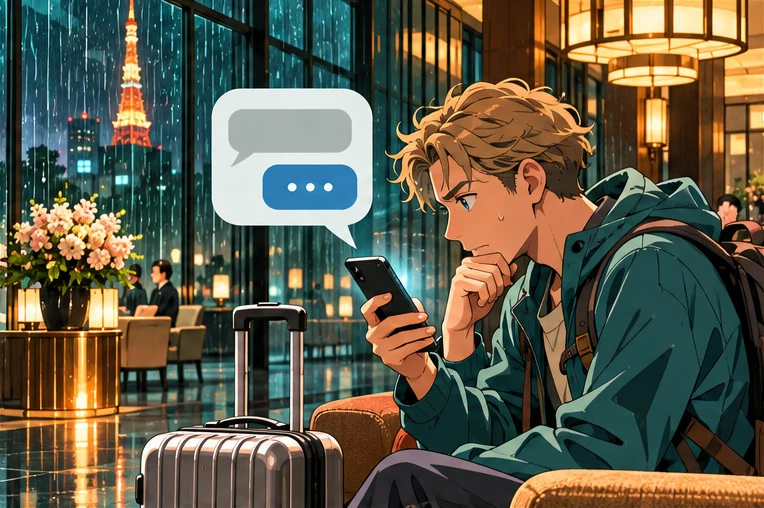


You booked a hotel in Japan. A WhatsApp message arrives with the hotel name and your dates, then says your room will be cancelled unless you verify your card. Leave the link alone. Open the app or website you booked through and pull up the original reservation. If you booked directly, call the number from the hotel’s official website.
This is the kind of hotel booking scam Japanese reservation system provider Temairazu described in its November 20, 2026 final report. The company confirmed that suspicious WhatsApp messages, emails and texts had impersonated accommodation providers or booking sites and used advance check-in or keeping a reservation as a reason to send guests to another site.
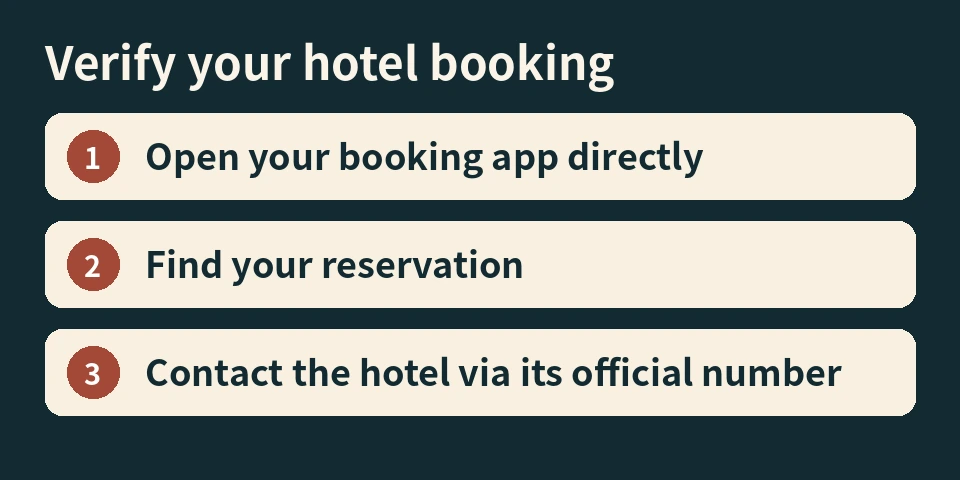
How to check if a hotel WhatsApp message is real
If you used a booking site: Open its app or type the website address yourself. Find the reservation and check for payment or check-in instructions there. If the instructions are unclear, contact the property through the booking platform or call its official number.
If you booked with the hotel: Find the property’s official website independently and use the number listed there. Ask whether the booking is still active, whether any payment is due, and how the hotel normally handles payment.
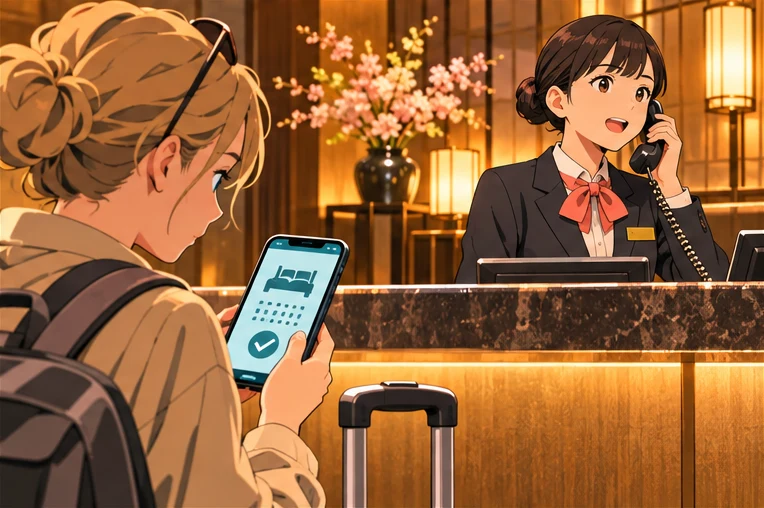
You can write: “I received a WhatsApp message asking me to confirm my card details. My booking reference is [reference]. Could you confirm that my reservation is active and tell me if any payment is due?” Send this through the official booking channel. Keep card details and one-time codes out of the message.
Already clicked the link or entered card details?
If you only opened the page, close it and check the booking independently. If you entered card details or approved a payment, contact the card issuer promptly through its app or the number on the card. Tell the issuer what you entered and whether you approved a payment. If you entered your booking-site password, change it through the official site or app and change it anywhere else you reused it. Save the message and any transaction details so you can report them without reopening the link.
What changed in the TEMAIRAZU final report?
TEMAIRAZU helps hotels manage reservations from different booking channels, so its name may never appear in your confirmation email. The company’s final report lowered the estimated upper limit from about 4.45 million to about 1 million people whose booking information may have been viewed or obtained. The company did not establish that all of those records were accessed. It also says it does not hold guests’ credit card details or booking-site login credentials. A phishing page can still ask you for both.
Individual properties published their own notices. For example, all day place shibuya listed specific booking and stay dates in its notice. Check your own hotel’s advisory for any property-specific information. If a message contains the right dates or your full name, the safest way to establish whether your room is secure is still to ask the hotel or booking platform through its official channel.
What if the hotel says the payment request is genuine?
Ask the hotel to confirm the amount, the payment deadline and how it collects payment for your particular rate. A prepaid reservation and a pay-at-property reservation can have different terms, even at the same hotel. Compare the answer with your original confirmation. If the hotel says an outside payment processor is involved, ask for instructions through the official channel you started and confirm how the payment will appear on your booking.
If the sender claims to be the booking platform, contact that platform from your booking page. Where you booked matters more than the logo in the message. A screenshot of a confirmation or a familiar-looking profile photo does not tell you who controls the account that sent it.
If check-in is tonight or you are already travelling
Keep your booking confirmation handy and call the official front desk. Give the hotel your reservation reference, name and dates so it can look up the booking. Ask it to confirm whether your room is still held and what to do if you arrive late. If you are already at the property, show the message to the front desk without opening the link. You can keep the original message for the property or booking platform to review.
Sources
Temairazu final report, November 20, 2026 (Japanese) · Temairazu initial notice (includes English) · all day place shibuya’s notice (English)