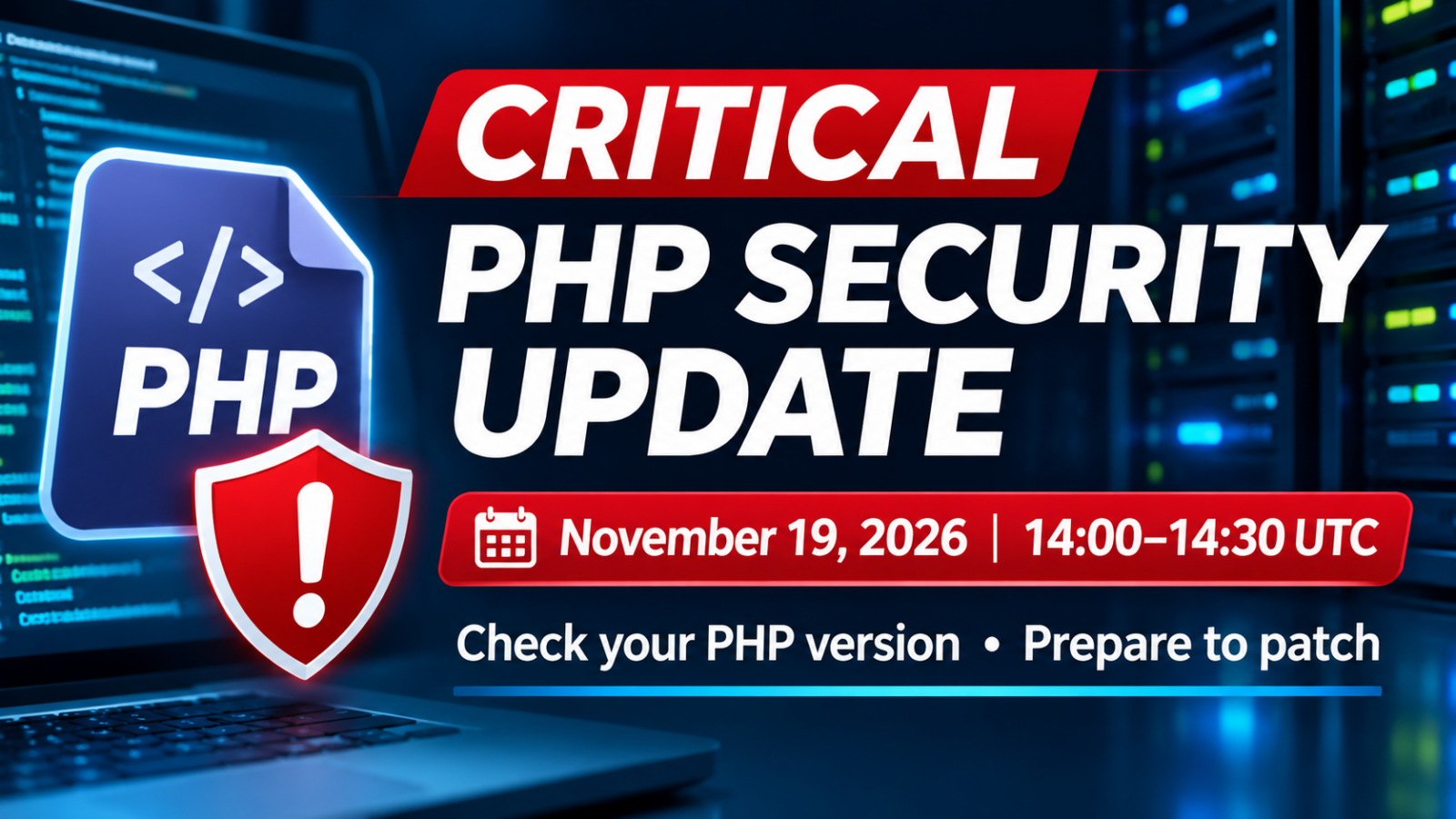


PHP 8.2.36, 8.3.37, 8.4.28 and 8.5.13 were released on November 19, 2026, to address security vulnerabilities. WordPress and server administrators should verify their actual PHP runtime and apply the appropriate host- or vendor-supported security update. The impact depends on the individual vulnerability and configuration.
Updated following the official November 19 release: PHP’s official archive and ChangeLog now confirm fixed version numbers and CVEs. These issues are separate from October’s PHP2Shell vulnerabilities. Provider patch completion and actual service outages must be verified from provider notices.
If you run WordPress, another PHP-based application, or a VPS with PHP-FPM, first inventory the versions actually serving traffic. Then check your backups and upgrade plan. Updating WordPress core alone does not update the underlying PHP runtime.
November 19 PHP security patches released: fixed versions and actions
PHP officially released security updates on November 19, 2026: PHP 8.2.36, 8.3.37, 8.4.28, and 8.5.13. These are confirmed in the official release archive and ChangeLog, rather than merely scheduled updates. Check the PHP runtime actually serving your website and your hosting provider’s or operating system vendor’s patch status. Updating WordPress core alone does not update PHP.
| Maintained branch | November 19 security release |
|---|---|
| PHP 8.2 | 8.2.36 |
| PHP 8.3 | 8.3.37 |
| PHP 8.4 | 8.4.28 |
| PHP 8.5 | 8.5.13 |
PHP 8.6.0 was also released on November 19 as a new PHP series. Moving an existing application to 8.6 requires compatibility testing and is not a substitute for checking your branch’s security patches. Distribution vendors and hosts may backport fixes without displaying the same upstream patch number.
Is my site affected? What should I do?
| Environment | Recommended next step |
|---|---|
| WordPress | Dashboard → Tools → Site Health → Info → Server → PHP version. Verify your host’s patch notice; back up and test compatibility before upgrading. |
| Shared hosting | Check whether the host applies patches automatically or requires a version change. A warning of possible downtime is not evidence of an actual outage. |
| VPS / self-managed server | Patch the actual web-facing PHP-FPM/Apache/container runtime using vendor-supported packages; verify restarted workers, functionality, and logs. |
| PHP version unknown | Use the hosting dashboard or WordPress Site Health, or ask your provider specifically whether the November 19 PHP fixes have been deployed. |
Published CVEs, severity and affected configurations
The November 18 advance notice described Critical as the maximum severity and said that the issues rated Critical involved non-default configurations or uncommon setups. The published advisories now give severity and prerequisites for individual CVEs.
| CVE / official advisory | Severity (CVSS 4.0) | Patched branches | Affected configurations |
|---|---|---|---|
| CVE-2026-129289 | Critical 9.2 | 8.2–8.5 | Persistent PHP-FPM backend connections and an application path that opens the request body without fully reading it. Potential remote code execution in PHP-FPM. LSAPI is affected by request-stream desynchronization. |
| CVE-2026-129496 | Critical 9.2 | 8.2–8.5 | PHP error logging to a file during startup and early diagnostics in a fresh worker can lead to a crash or potential remote code execution. |
| CVE-2026-126714 | Critical 9.2 | 8.2–8.5 | File-based sessions with interrupted writes, externally influenced session data and an application with a suitable deserialization path. |
| CVE-2026-115560 | Critical 9.2 | 8.2–8.5 | Session upload progress with incompatible serialization formats for shared session data and a suitable application deserialization path. |
| CVE-2026-129481 | Critical 9.2 | 8.3–8.5 | Interrupted session shutdown followed by worker reuse. The advisory demonstrates memory corruption with OPcache disabled. Code execution through this path remains unproven. |
| CVE-2026-129474 | Critical 9.2 | 8.5 | Applications with a reachable magic method and fatal-error backtraces that include arguments. |
| CVE-2026-129182 | Critical 9.2 | 8.5 | Fatal-error backtraces enabled, with diagnostics late in shutdown and on a subsequent request in the same worker. A separate CVE discovered after the fix for October’s CVE-2026-109619. Code execution through these paths remains unproven. |
| CVE-2026-127960 | High 8.7 | 8.2–8.5 | Applications fetching an externally controlled response through PHP’s HTTP(S) stream wrapper can suffer CPU exhaustion and service disruption. |
| CVE-2026-129291 | High 8.8 | 8.2–8.5 | PHP-FPM deployments using epoll and worker output capture, where an attacker can already execute code in a worker. Potential escalation to the FPM master’s privileges. |
| CVE-2026-128064 | High 8.2 | 8.2–8.5 | PHP stream wrappers handling certain mixed- or uppercase HTTPS or FTPS schemes can expose plaintext data to a network observer. |
| CVE-2026-128090 | High 7.7 | 8.2–8.5 | Applications loading OpenSSL-signed Phar archives that an attacker can modify while the trusted public key remains intact. |
| CVE-2026-129538 | Moderate 6.9 | 8.2–8.5 | PHP-CGI deployments where the web server can supply inconsistent script and path information. Potential process crashes, disclosure or memory corruption. |
| CVE-2026-129501 | Moderate 6.3 | 8.4–8.5 | Applications using the modern DOM API to parse untrusted XML or HTML and serialize it to XML may experience process crashes. |
| CVE-2026-15353 | Moderate 6.3 | 8.2–8.5 | Applications that decode externally supplied SOAP arrays and expose the decoded result may disclose a limited amount of process memory. |
| CVE-2026-129506 | Moderate 6.3 | 8.2–8.5 | Applications using the SOAP extension to process untrusted SOAP XML, WSDL or schemas may experience process crashes. |
| CVE-2026-129438 | Moderate 6.3 | 8.5 | RFC 3986 URI applications that can process and serialize extremely large untrusted input may return incorrect output or exhaust memory. |
| CVE-2026-129292 | Moderate 5.3 | 8.2–8.5 | An enabled PHP-FPM status endpoint rendered in full HTML view where externally controlled request metadata can reach the affected pool. |
This table covers the PHP 8.2–8.5 branches patched on November 19. See each advisory for exact affected version ranges and temporary mitigations. If staying on your current branch, apply the corresponding fixed release above or a package your vendor confirms contains the fixes.
The PHP 8.5.13 ChangeLog also lists an upgrade to uriparser 1.0.3 for CVE-2026-48841, an integer overflow in the dependency’s URI query construction. A PHP-project CVSS rating for this dependency issue could not be verified.
IPA’s November 19 advance notice reported no confirmed in-the-wild exploitation at the time of publication. Our follow-up check during the 15:00 UTC hour on November 19 (00:00 JST hour on November 20) found no attack or victim reports for these CVEs in the PHP and IPA publications reviewed. Advisory test results describe reproduction in controlled environments.
Major Japanese hosting providers: official notices
| Provider / service | Advance announcement and follow-up status |
|---|---|
| WebARENA SuiteX / SuiteS | Possible web/control-panel suspension if affected; no confirmed suspension in the advance notice. The November 19 notice said overseas web access remained blocked. The follow-up check found no official confirmation of a new suspension, restoration, a lifting of the block, or completed patch deployment. |
| XServer | Pre-release guidance did not require immediate shared-hosting customer action; check subsequent service notices. Self-managed VPS deployments differ. |
| Sakura Internet shared/managed hosting | Possible temporary restrictions while impact is assessed and fixes deployed; not a confirmed outage. |
| Lolipop! | Possible preventive restrictions; the advance notice said no immediate customer action was required. |
| ConoHa WING / VPS / for GAME | A separate WING maintenance notice announced preventive maintenance starting at 13:00 UTC (22:00 JST) on November 19 for File Manager, Webmail and phpMyAdmin. An end time was to be announced. PHP patch completion remains unverified. The WING advance notice required no customer action. Self-managed VPS and for GAME users who run PHP should check and update their own runtime. |
Follow-up check: During the 15:00 UTC hour on November 19 (00:00 JST hour on November 20), no official follow-up confirming a PHP-related suspension, restoration or completed patch rollout was found for XServer, Sakura or Lolipop!. Check the links for the latest status.
Primary sources: PHP release archive, PHP 8 ChangeLog, and supported versions.
Update history: November 19, 2026 (after 14:30 UTC / 23:30 JST) — verified published patch numbers and ChangeLog CVEs, revised the article title and introduction, added environment-specific steps and hosting-provider comparison. No claim of confirmed exploitation or provider-wide outage has been made.
PHP security updates released November 19: fixed versions and timing
| Question | What PHP has confirmed |
|---|---|
| Announcement date | November 18, 2026 |
| Scheduled release window | Thursday, November 19, 2026, 14:00–14:30 UTC (9:00–9:30 a.m. EST / 23:00–23:30 JST) |
| Affected scope | Security vulnerabilities involving all supported PHP versions |
| Highest severity | CRITICAL |
| Condition for critical-rated issues | Non-default configuration or uncommon setups are required |
| CVE IDs, fixed versions, detailed conditions | Fixed versions and CVEs published in the November 19 ChangeLog |
| Confirmed exploitation of the newly announced issues | Not established by the announcement |
The update is part of PHP’s regular four-week release cycle. The word “CRITICAL” describes the maximum reported severity; it does not establish that every ordinary PHP or WordPress site is vulnerable to unauthenticated remote code execution. Compare the affected configurations in the published advisories above with your deployed runtime.
Source: PHP Security Team — Upcoming Critical PHP Security Release (November 18, 2026).
Which PHP versions are affected? Check your supported branch first
The security announcement refers to all supported PHP versions. At the time of this advance notice, the PHP project’s supported-version page lists the following maintained branches. These are branch names and support dates, not the fixed patch versions for November 19.
| PHP branch | Support phase | Upstream security support ends |
|---|---|---|
| PHP 8.2 | Security fixes only | December 31, 2026 |
| PHP 8.3 | Security fixes only | December 31, 2027 |
| PHP 8.4 | Active support | December 31, 2028 |
| PHP 8.5 | Active support | December 31, 2029 |
PHP 8.1 and earlier are no longer supported by upstream PHP. Some operating system vendors and hosting providers backport security fixes to their packages, which means the displayed version string alone may not prove whether an individual patch is present. Confirm patch status using your operating system or hosting provider’s security advisory. PHP 8.6.0 was also released on November 19; migration to a new PHP series is separate from patching an existing 8.2–8.5 deployment.
Source: PHP — Supported Versions.
How to check your PHP version in WordPress
For a typical WordPress installation, you can check the server-side PHP version without installing another plugin:
- Sign in to the WordPress Dashboard.
- Select Tools → Site Health.
- Open the Info tab.
- Expand the Server section.
- Find PHP version, record the complete version number, and compare it with the host’s security bulletin.
The absence of a warning in Site Health is not proof that the November 19 fixes have been applied. The upstream fixed versions are PHP 8.2.36, 8.3.37, 8.4.28 and 8.5.13. The exact upgrade controls vary by hosting company; managed hosts may deploy a patch automatically, while others require a customer-controlled PHP version change.
See WordPress documentation: Site Health screen for the official menu path.
What should WordPress owners do before and after the release?
| Stage | Recommended action | Why it matters |
|---|---|---|
| Before release | Record PHP branch/version, hosting provider, and affected sites | You need a reliable inventory to compare against the final advisory |
| Before release | Verify recent site-file and database backups; confirm recovery access | A runtime upgrade can expose application compatibility problems |
| Before release | Check current WordPress, theme, and plugin compatibility; test on staging when available | Avoid preventable downtime from an incompatible PHP upgrade |
| After release | Read PHP’s security advisory plus your host or OS vendor’s bulletin | Identify actual fixed versions, affected configurations, and package availability |
| During patching | Apply the vendor-supported fixed runtime or package; replace running containers/workers | Downloading a new package does not always update the process handling live requests |
| After patching | Verify live PHP version, website functions, error logs, and access logs | Confirm the deployment, not merely the installer, was updated |
Test the login page, contact forms, checkout or payment flows, application integrations, outgoing mail, and scheduled jobs where applicable. If a staging environment is available, validate the PHP change there before production. Apply the available security fixes promptly once your vendor has confirmed its patched package.
WordPress provides general preparation guidance in Get a faster, more secure website: update your PHP today.
VPS, cloud, and container administrators: verify the PHP runtime serving requests
A common operational trap is checking the PHP version in an SSH session and assuming that it is the version handling web requests. The command below reports the command-line interface (CLI) version only:
php -vYour web application may instead be served by a different PHP-FPM pool, Apache module, container image, or hosting-managed runtime. A machine can have several PHP branches installed side by side. Check deployment manifests, service configuration, package inventories, and the specific runtime serving each site.
- PHP-FPM: identify the active pools and service units, the executable used by each pool, and whether the service restarted or workers were replaced after patching.
- Containers and orchestration: confirm the deployed image digest or version, rebuild/redeploy affected images, and verify that old pods or containers are no longer serving requests.
- Distribution packages: consult the distribution security advisory, including any backported patches that do not change the upstream-looking version number.
- Multiple virtual hosts: check each site’s assigned PHP handler. Different applications on one server may use different PHP versions.
- Logs and telemetry: retain relevant web access, PHP error, WAF, and endpoint logs. Patching does not reverse any prior compromise.
For security reasons, avoid exposing a publicly accessible phpinfo() page merely to check a version; it can reveal sensitive configuration details. Prefer internal administrative tools or a temporary, access-restricted test that is removed immediately. These are general hardening and deployment checks, not evidence of a specific attack vector in the November advisory.
Is this the same as the October 2026 “PHP2Shell” vulnerabilities?
Do not treat the two announcements as interchangeable. On October 21, PHP released security fixes for two separate critical vulnerabilities, CVE-2026-109618 and CVE-2026-109619. The October releases included PHP 8.2.35, 8.3.36, 8.4.27, and 8.5.12. These were October fixed versions, not confirmed November 19 patch numbers.
The November 19 ChangeLog now identifies distinct CVEs and affected components. It is therefore not possible to conclude from the notice alone that the new issues are the same as PHP2Shell, that they are being exploited in the wild, or that October exploitation reports establish attacks against the newly announced issues.
Related background on our site: PHP2Shell and WordPress PHP version checks (Japanese). If you prefer this subject in Japanese, see our November 19 PHP security update guide (Japanese).
Questions and answers
Does “CRITICAL” mean my WordPress site has already been hacked?
No. A security release announcement does not show that your particular site was compromised. Check the details published with the actual release and examine logs if there are indicators of an incident. The PHP team says the critical-rated issues require non-default configurations or uncommon setups; check the relevant CVE advisories for individual prerequisites.
Can I install the November 19 fix right now?
Yes. PHP 8.2.36, 8.3.37, 8.4.28 and 8.5.13 were published on November 19. Check your host or OS vendor’s deployment status.
Does updating WordPress plugins fix a PHP core vulnerability?
No. PHP is the underlying server-side runtime. WordPress, plugin, and theme updates are important, but they do not by themselves verify that the PHP runtime package or web-serving process has received a PHP security fix.
What if my hosting provider shows an older PHP package number?
Ask whether the provider maintains a security-patched build or backports the relevant changes. Compare the host’s bulletin and package revision with the published CVEs and fixed releases. Do not infer vulnerability status from a short version string alone.
Do I need to move straight to PHP 8.6?
Not automatically. The security releases cover maintained PHP branches; PHP 8.6.0 was also released as a separate PHP series. Use an appropriately patched, supported branch that is compatible with your application and deployment policy.
What to monitor next
Check the official PHP release announcements and PHP ChangeLog for fixed versions and CVEs, and consult individual advisories for prerequisites and verified exploitation reports. Then confirm when your distribution or hosting provider will deliver the matching patches.
Bottom line: Inventory your runtime, prepare backups and compatibility tests, and apply verified vendor fixes promptly once available. Use the published advisory for each CVE to check the PHP version and configuration serving your site.
Primary sources and update history
- PHP Security Team — Upcoming Critical PHP Security Release (November 18, 2026)
- PHP — Supported Versions
- WordPress — Site Health screen
- WordPress — Update your PHP
- PHP — 2026 release archive, including October security releases
Published November 19, 2026. Official information checked before the scheduled release, approximately 03:15 UTC (12:15 JST). Updated after the November 19 release to reflect confirmed fixed versions and ChangeLog CVEs.
November 19, 2026, 15:00 UTC hour (November 20, 00:00 JST hour). Added official CVE ratings and affected configurations, incorporated ConoHa WING’s maintenance notice, and rechecked all five providers.